|
Cloud Apps |
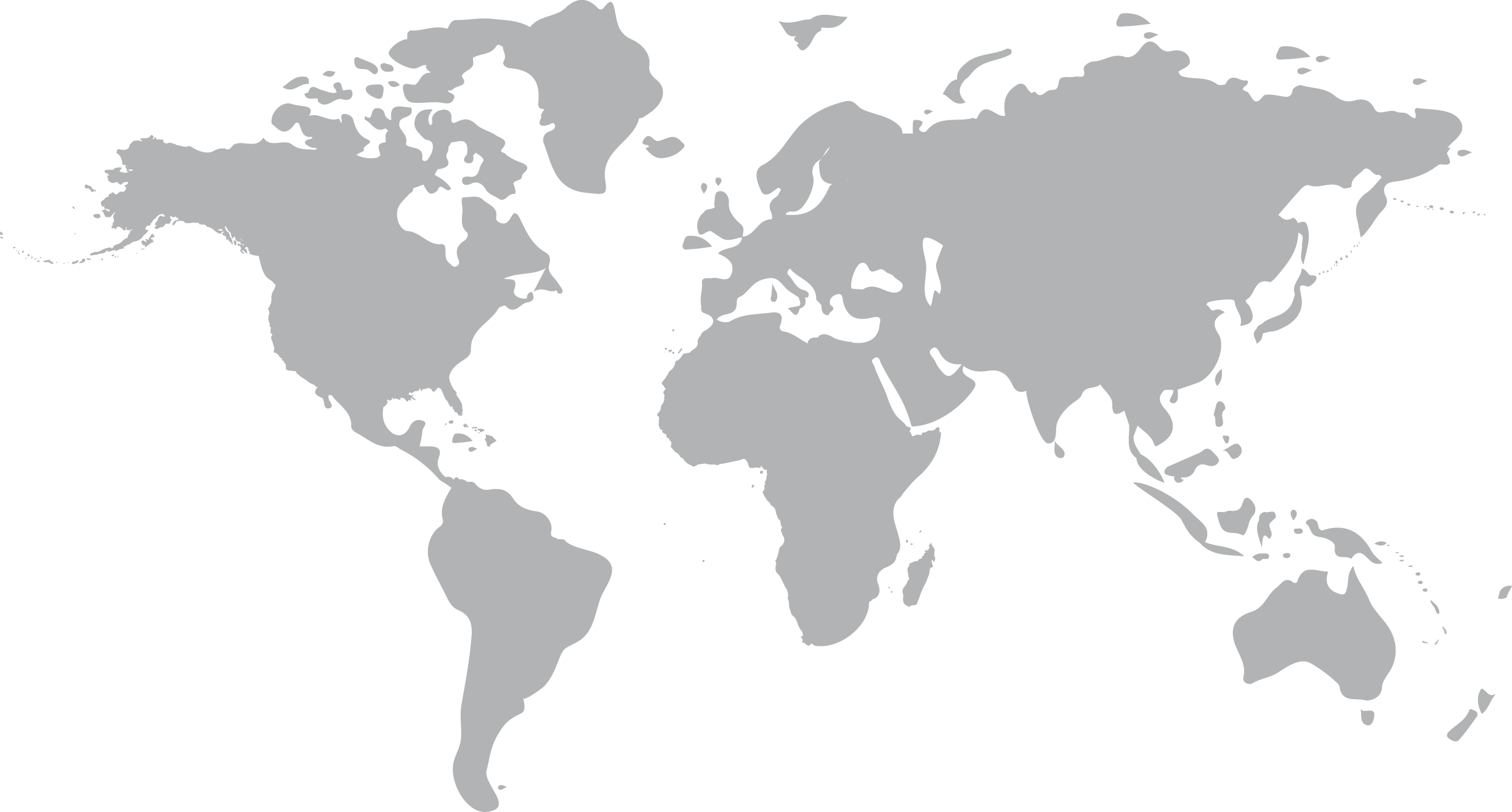
Select your data residency region
We have upgraded our authentication service to Cloud Apps to improve security.
If you haven't set up your account in the new authentication system yet, then first please click Forgot Password in the new login modal displayed to you, and follow the steps described in this article.
Your company database is now hosted in the region that is geographically the closest to you. Once you have created your account in the new authentication system, select your region's link below to open your Cloud Apps Launchpad:
- West Europe (Netherlands)
- North America (Canada Central, Toronto)